Demos
See Refurbly working on a real renovation.
Two short video introductions first. Then seven click-through demos: an overview, the parts you’ll use most (setting up the house, planning the jobs, the timeline and the money) and the two add-on products, Survey and Care. Where a longer video covers a demo, it sits with that demo’s screenshots.
The Refurbly and Survey screens are the live Westwood project, a Grade II listed refurbishment. The Care screens show a sample home file. Supplier names are replaced with “AN Other Supplier”.
Watch the videos.
Filmed on the live Westwood project. Start with one of the introductions. The longer videos sit with the demos they cover, further down.
Start here
 2:12
2:12
Refurbly in two minutes
The quickest way in: what Refurbly is, and how it runs a renovation or refurbishment from one place.
 7:09
7:09
A 7-minute introduction
A fuller tour: ideas and feasibility, buying the property, planning the jobs and the timeline, the money, and filing every email, quote, invoice, payment and photo as it arrives. Plus a first look at Care and Survey.
The main product
Refurbly: plan and run the renovation.
The house, the jobs, the timeline and the money. Everything in these five demos comes with every Refurbly plan, apart from the few steps marked as an add-on.
From £10 a month14 days free
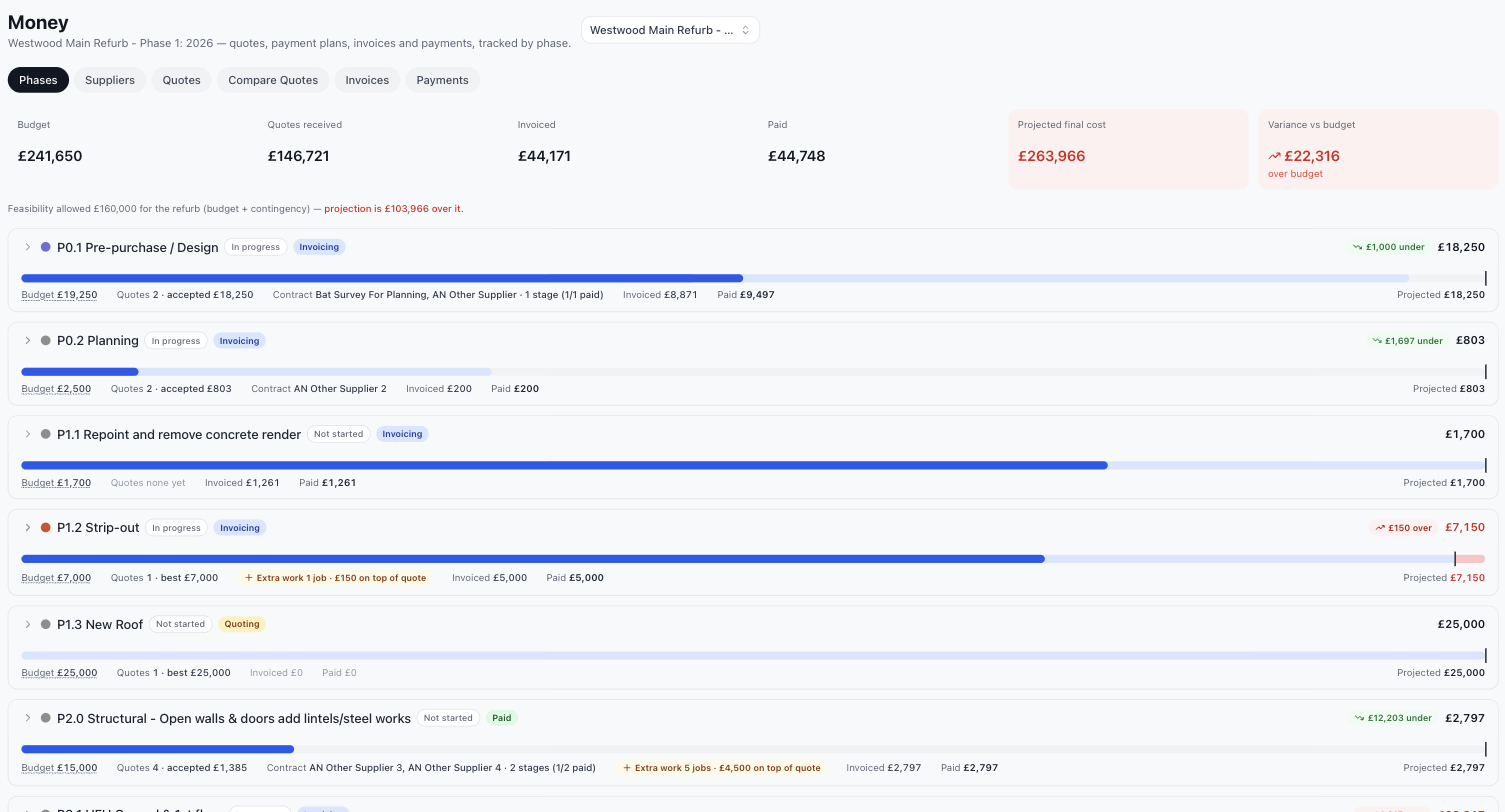
The whole thing in seven screens.
From an empty house to a plan, a programme and a budget you can trust, and a home file for when the build is done. The short version.
 15:29
15:29
A day in the life: how I use it
Not a feature tour: how I actually run Westwood with it. Suppliers, quotes and payments; phases, jobs and the timeline; the cash burn and when the money runs out; then a quick look at the survey mark-up.
Then click through the screens at your own pace.
Prefer to click through? Pick a step.
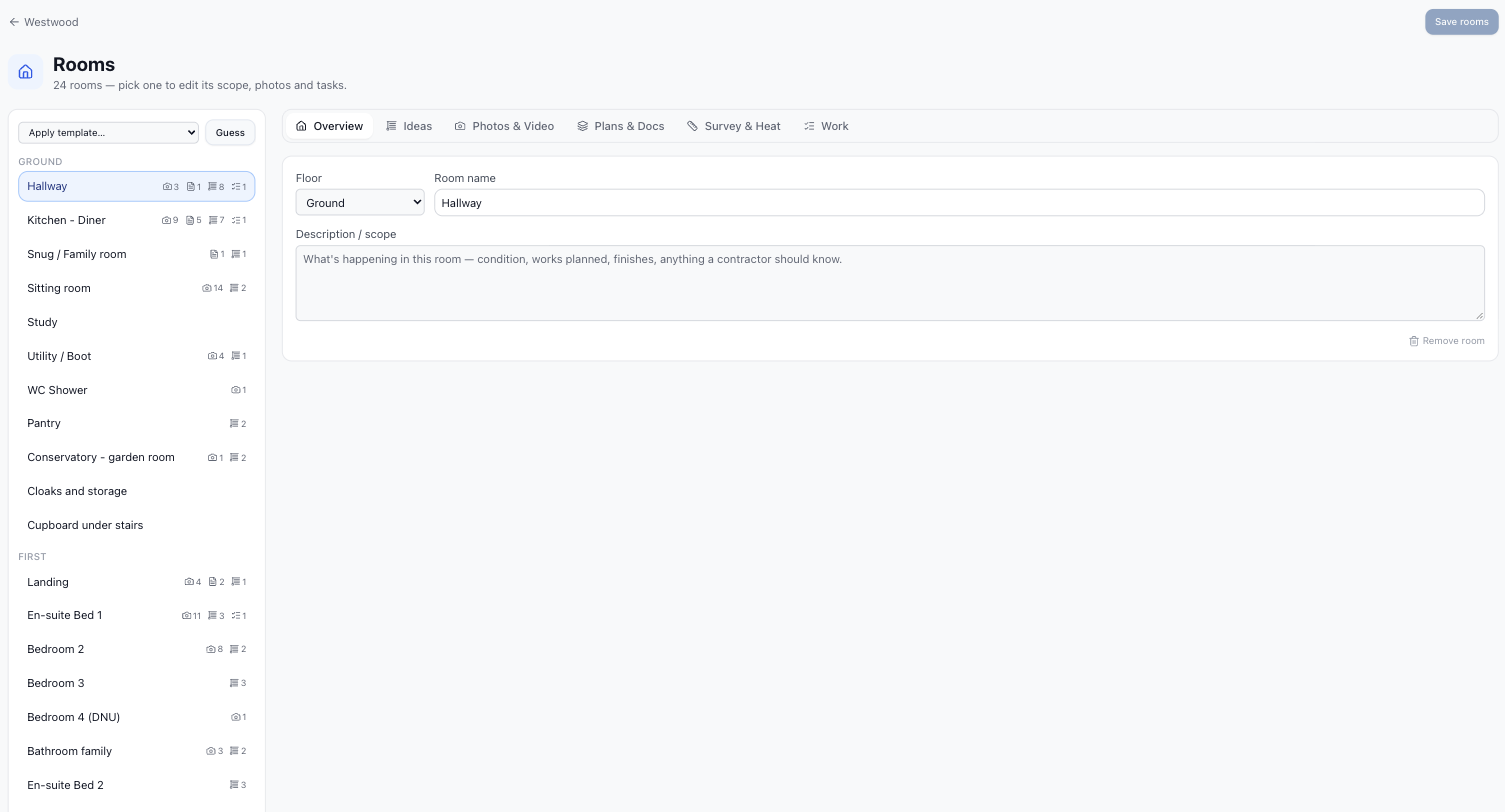
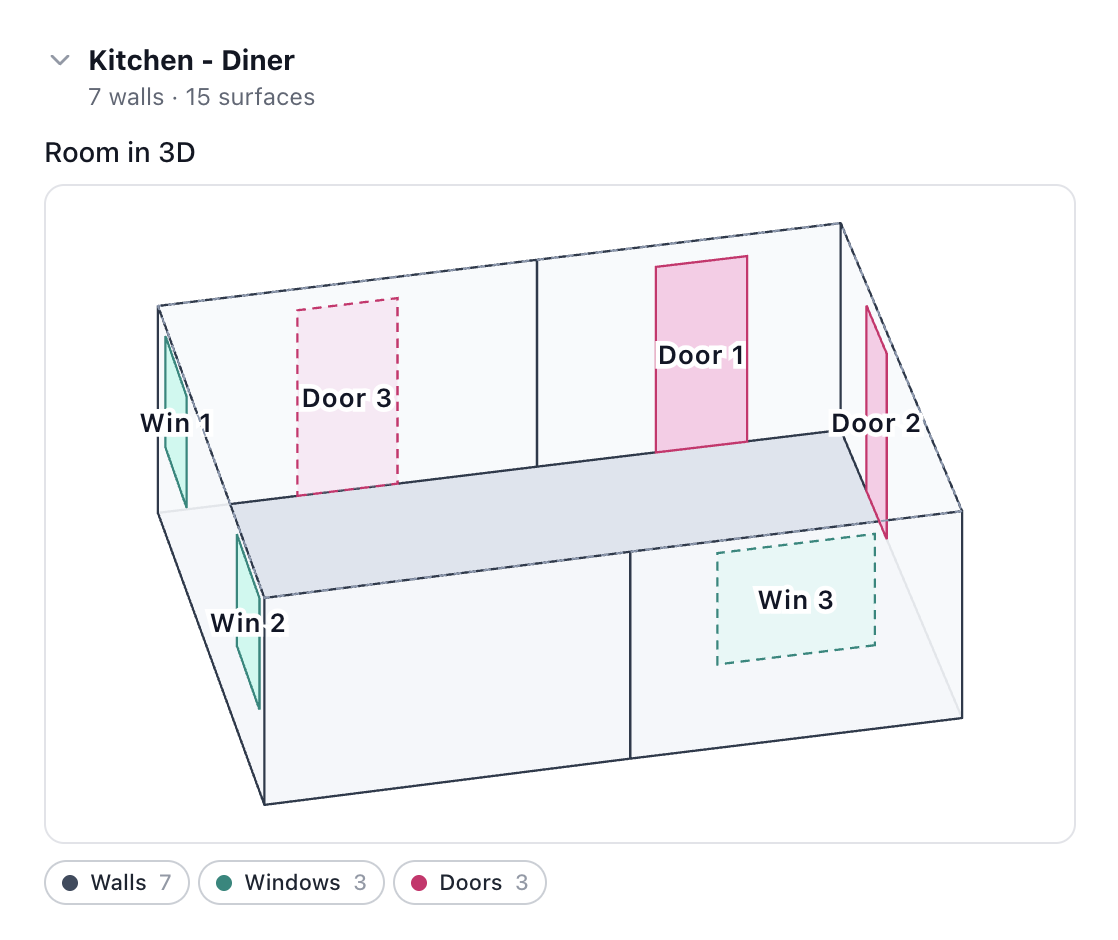
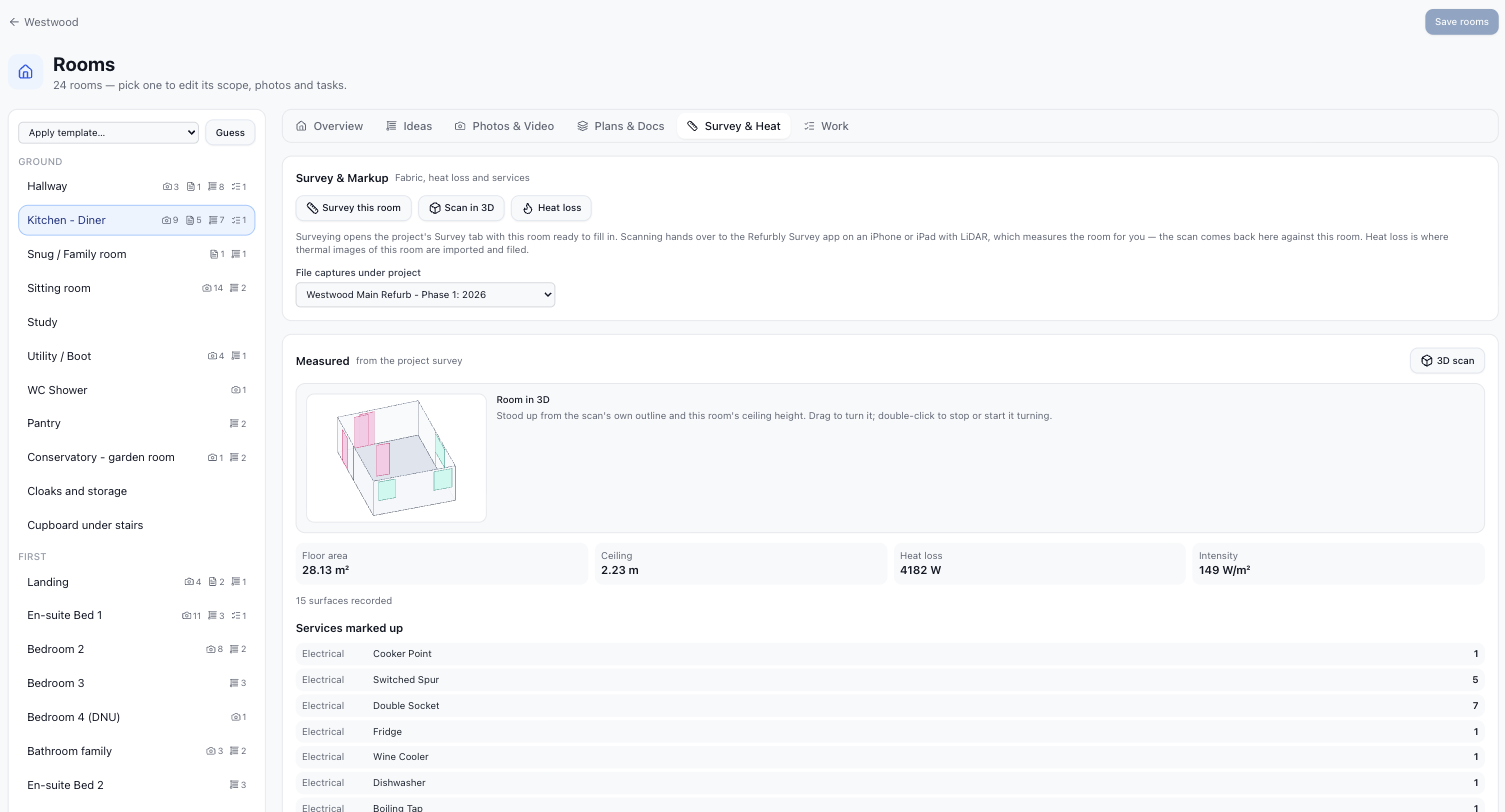
Set up the house.
Start from a property type and the rooms are laid out for you to tweak. After that, every photo, plan, scan and job attaches to the right room.
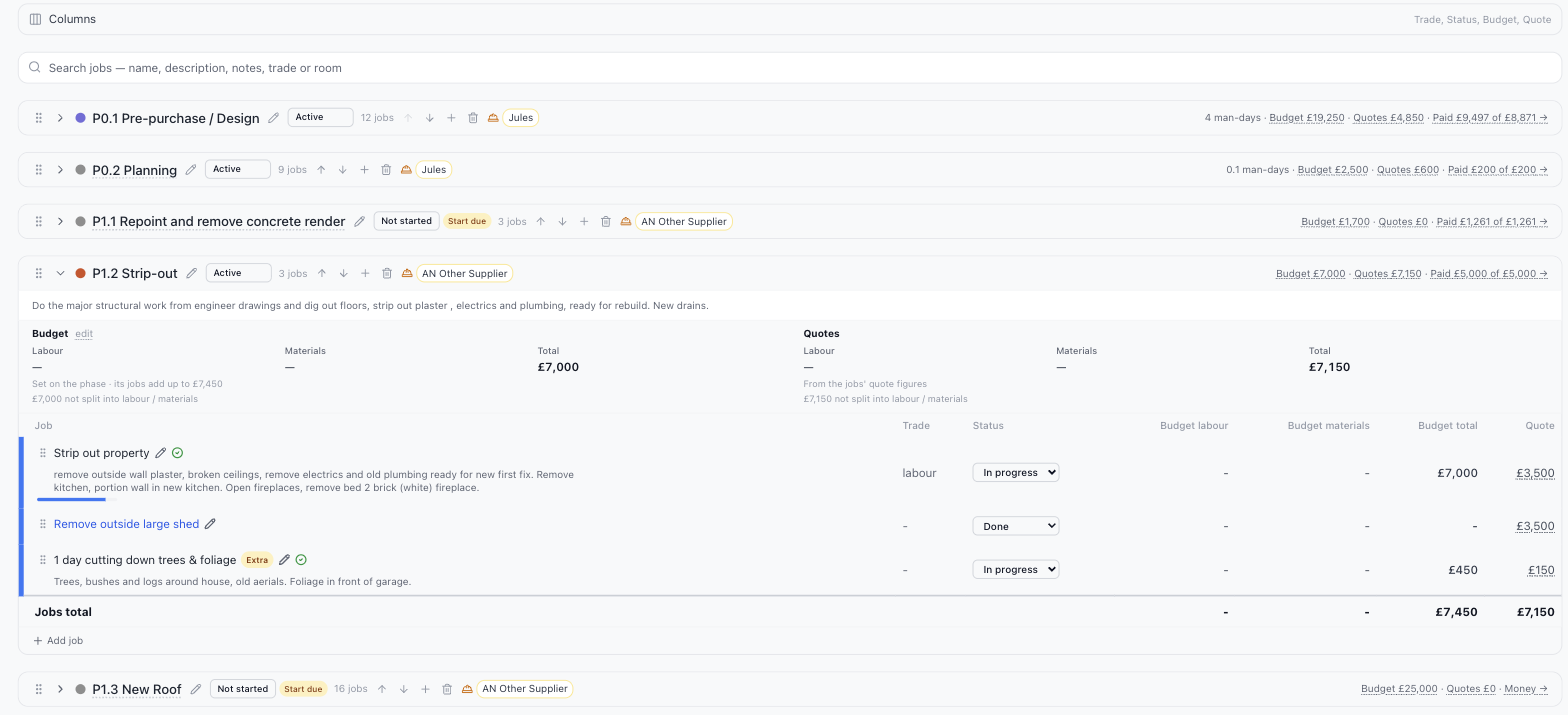
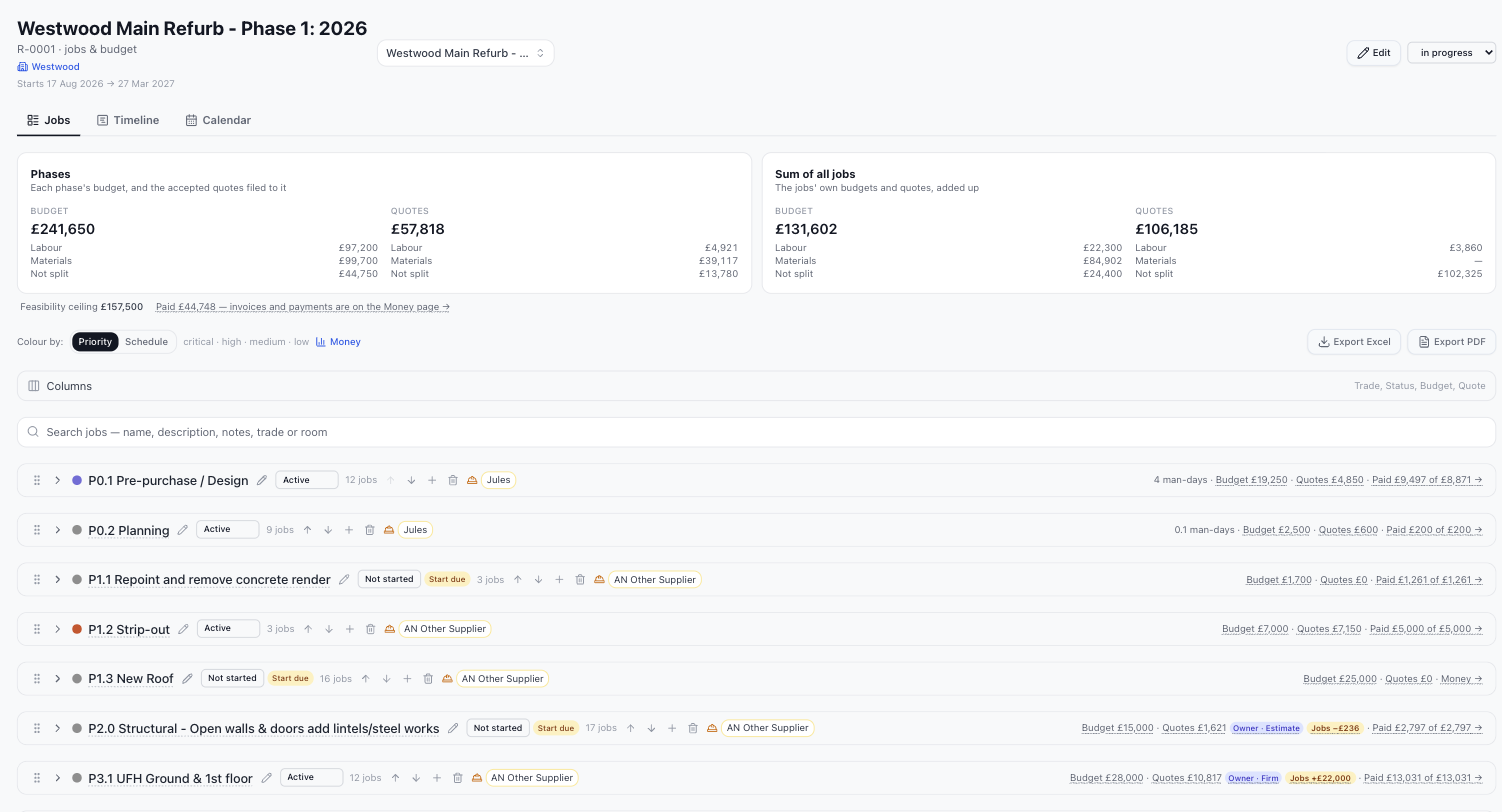
Plan the jobs.
Break the work into phases and jobs, assign the trades, and keep each phase’s budget and quotes in one place.
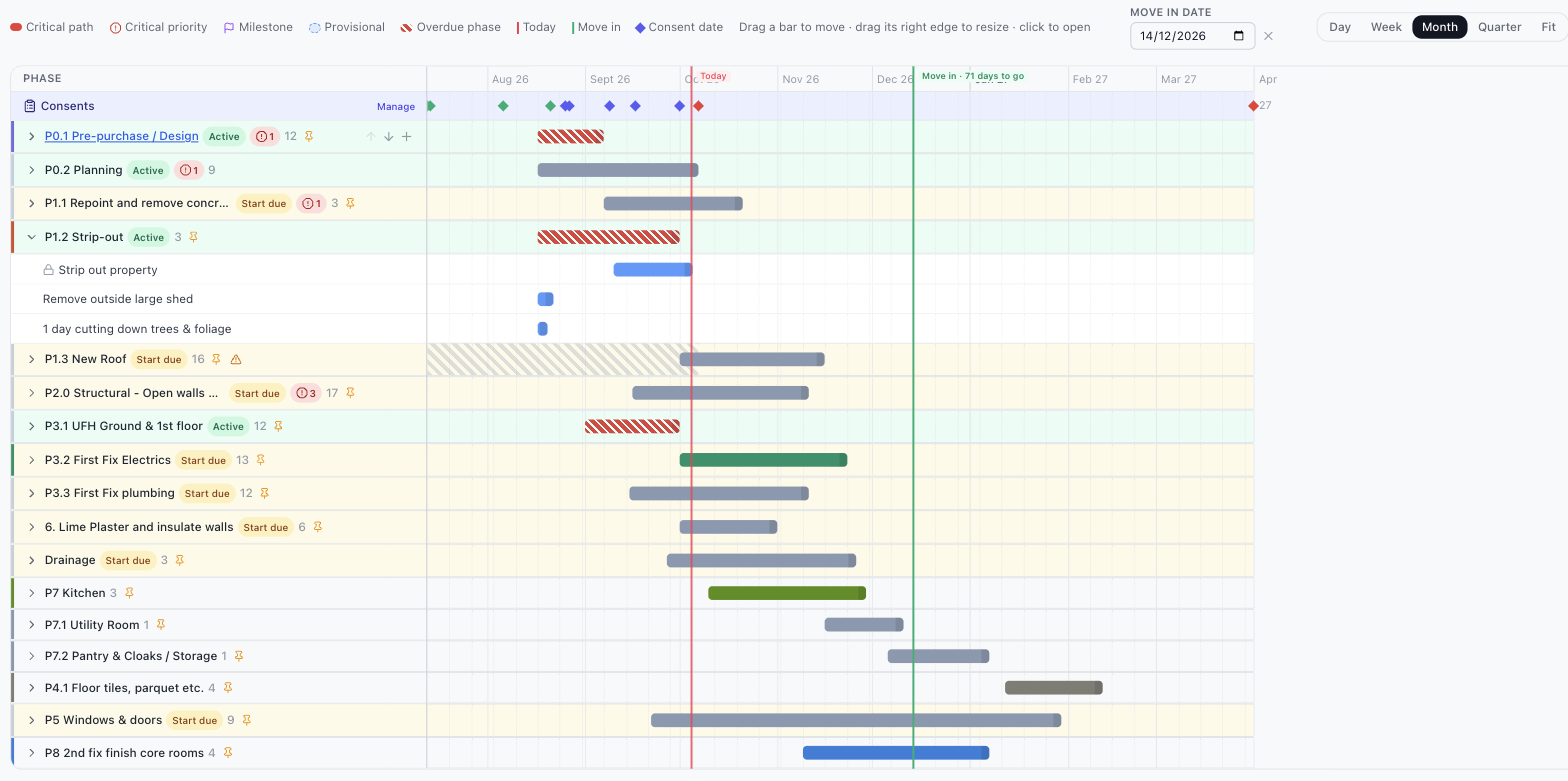
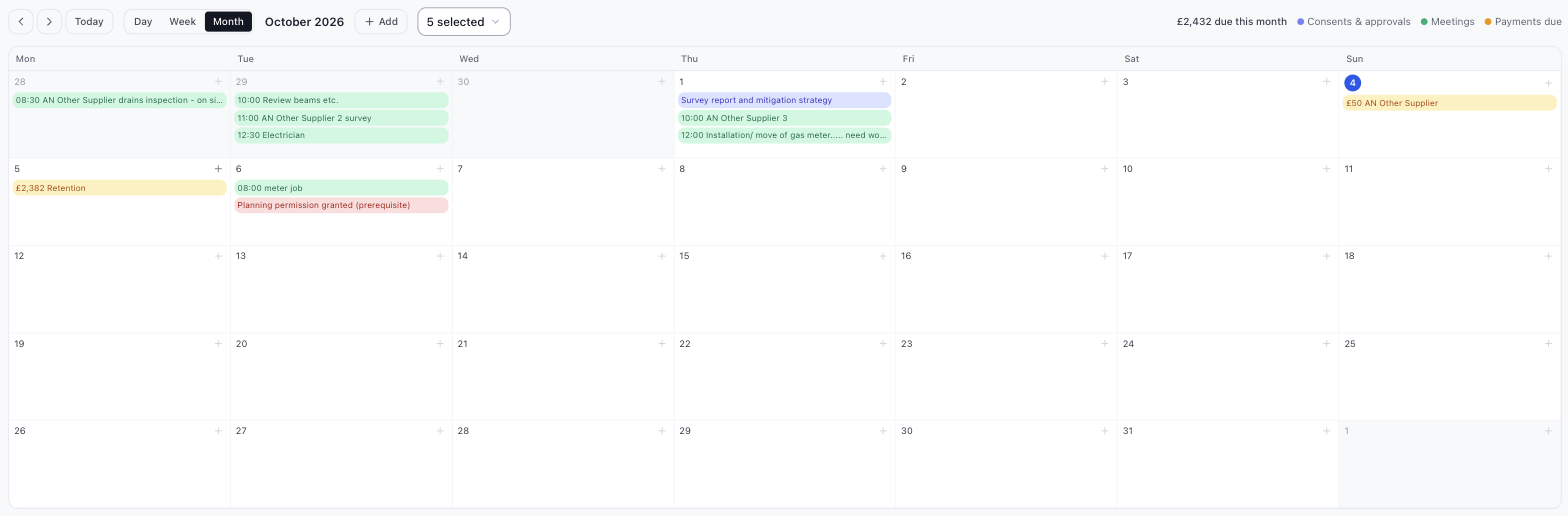
See the timeline.
A clear programme from strip-out to sign-off. See what’s happening, what’s next and what’s slipping, before it costs you.
Watch the money.
Quotes, invoices and payments tracked against the budget as the work happens, so you see a problem when it’s still small.


Add-on products
Two more products, each sold on its own.
Survey and Care are not part of a Refurbly plan. Each is a product in its own right with its own monthly price. Add either one to Refurbly, or use it without Refurbly at all, and cancel one without touching the other.
Before you spend a pound on the house.
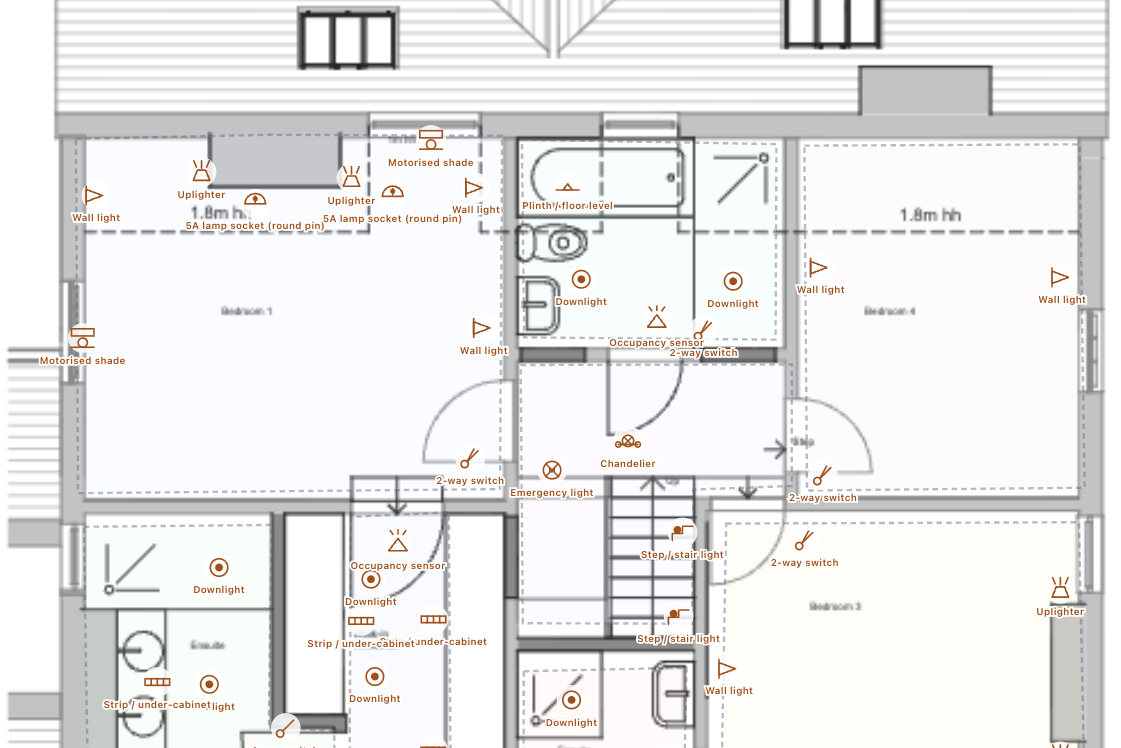
Scan or measure each room, see where the heat goes, and mark up the plans so every supplier quotes against the same drawing.
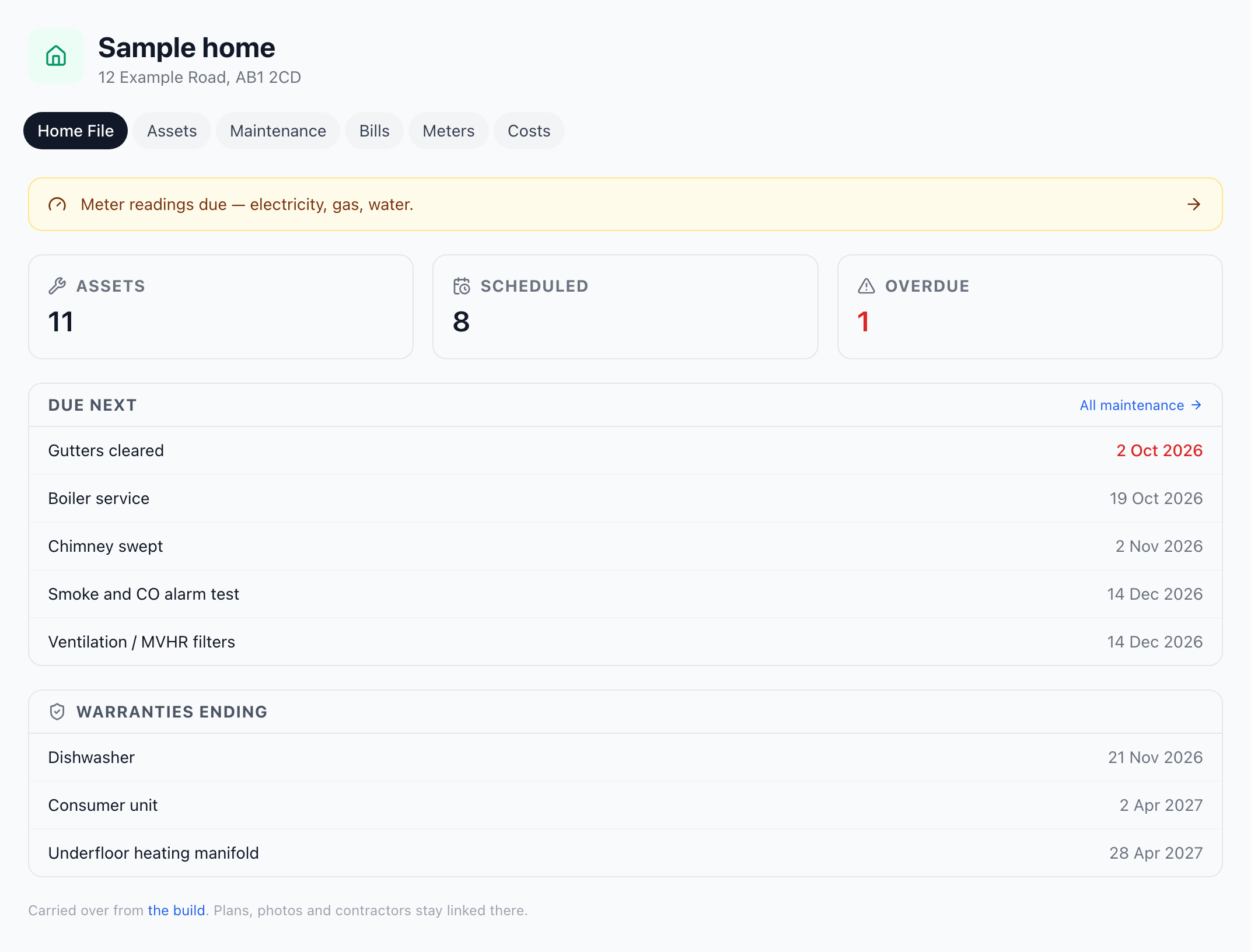
After the build is finished.
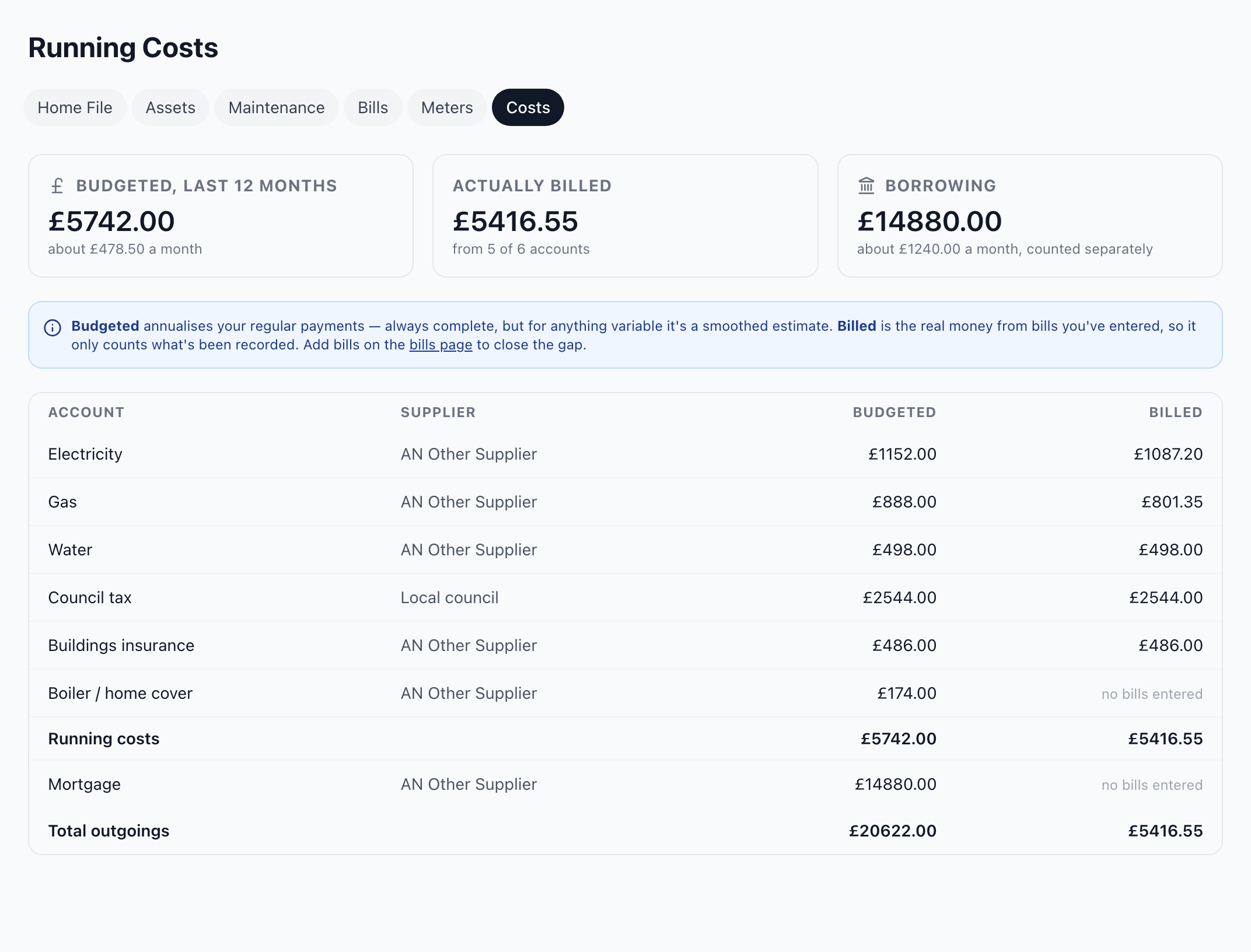
The home file: every appliance and warranty, service dates that chase you, and what the house costs to run.
Survey the house.
From a walk round the house to a heat-loss report and the drawings a contractor can quote against.
 17:16
17:16
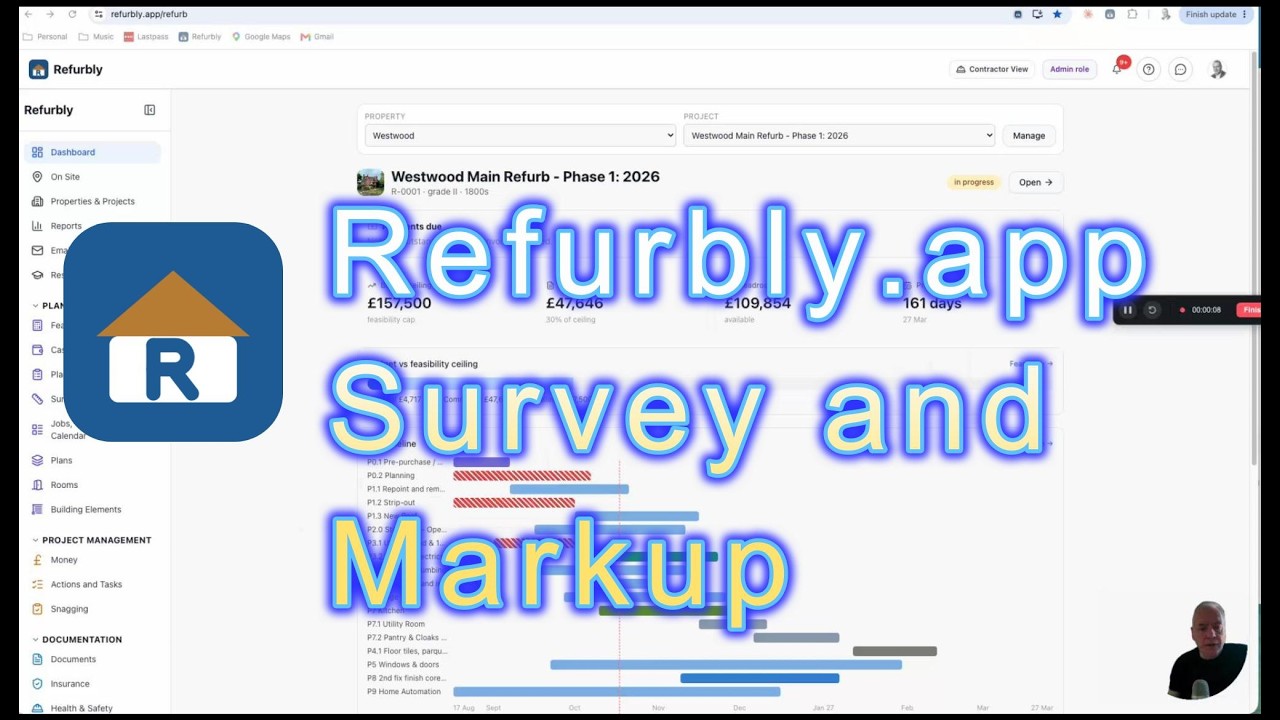
Surveys and mark-up
A closer look at Refurbly Survey: survey the house, mark up the plans and go into every quote knowing exactly what you need. Being in control of the detail is what saves the thousands.
Then click through the screens at your own pace.
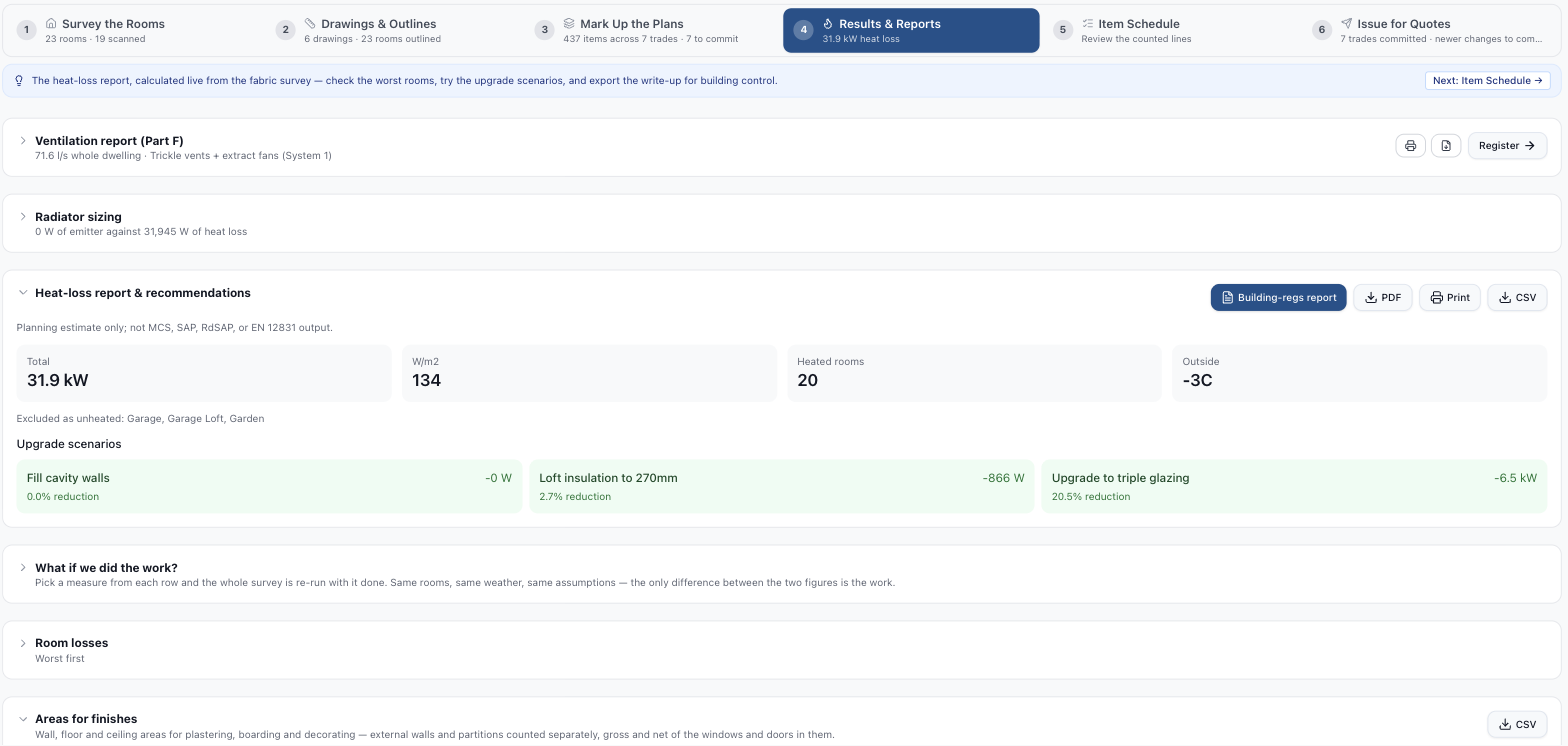
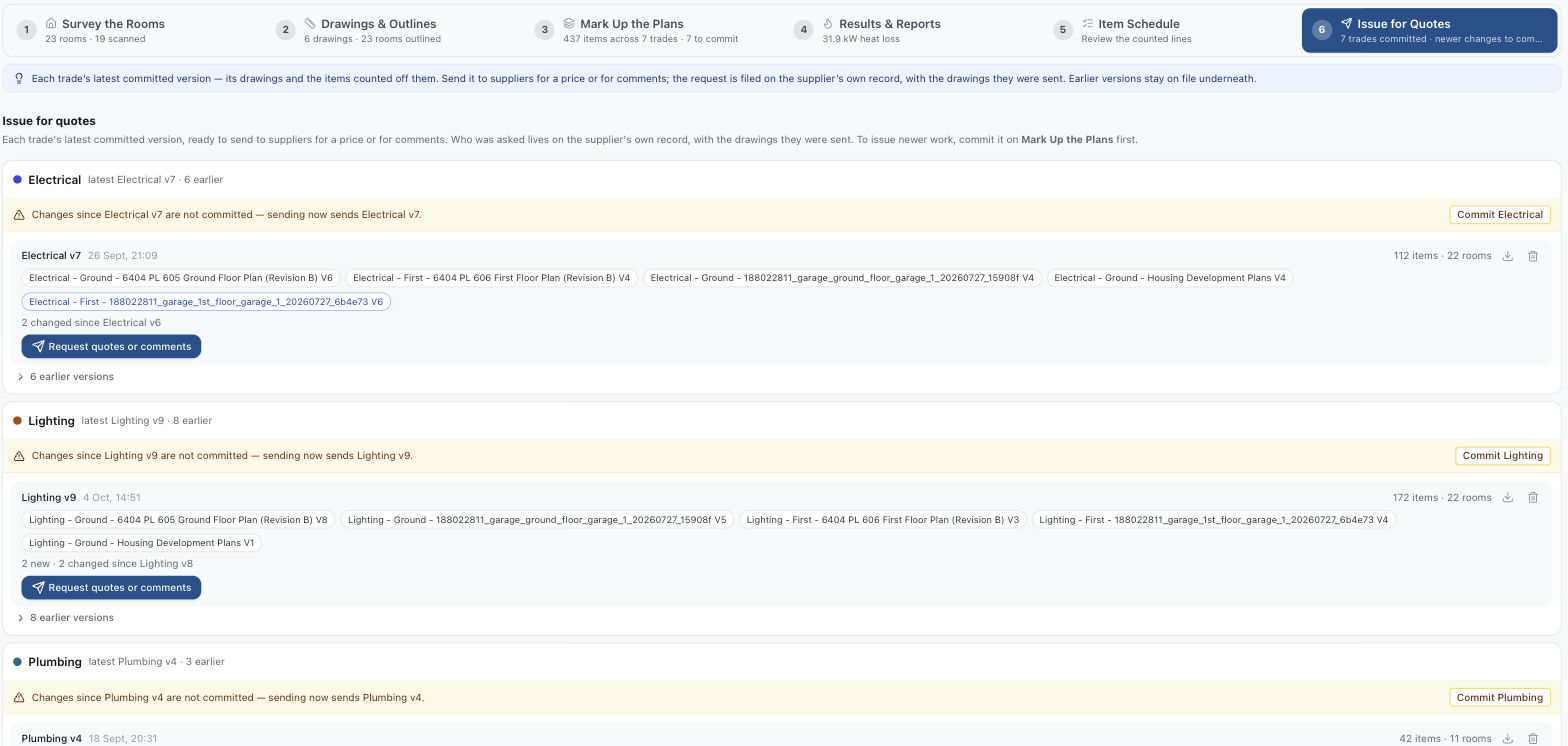
Refurbly Survey is £12 a month, billed separately. Use it on its own or alongside any Refurbly plan. Add it for the months you need it, and cancel when the survey is done.
Keep the house running.
The home file for after the build: every appliance and its warranty, the service dates, the bills and what the house costs to run. If you built with Refurbly, your contractors, plans and photos stay linked to it.
Shown with a sample home file. A first look at Care is in the 7-minute introduction
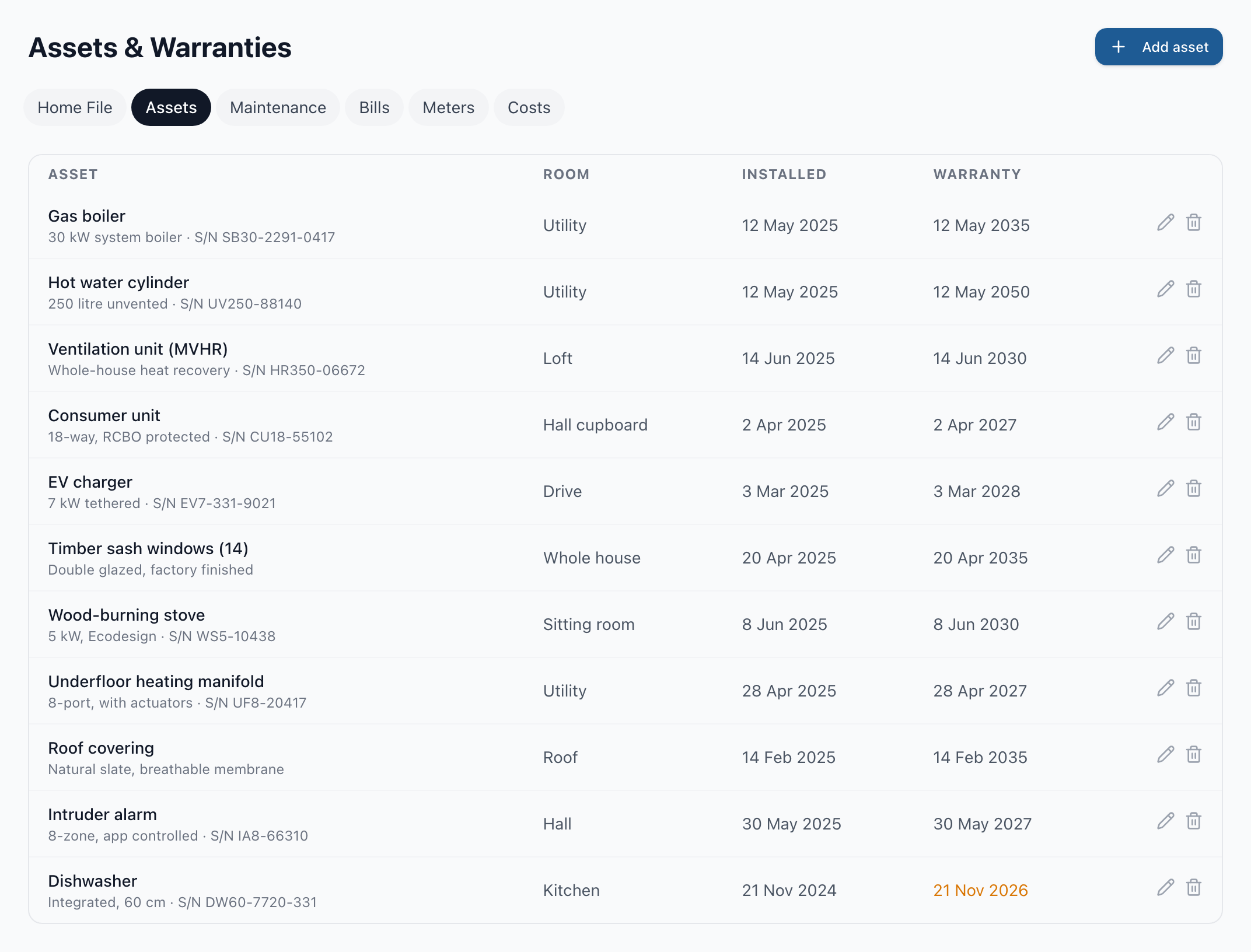
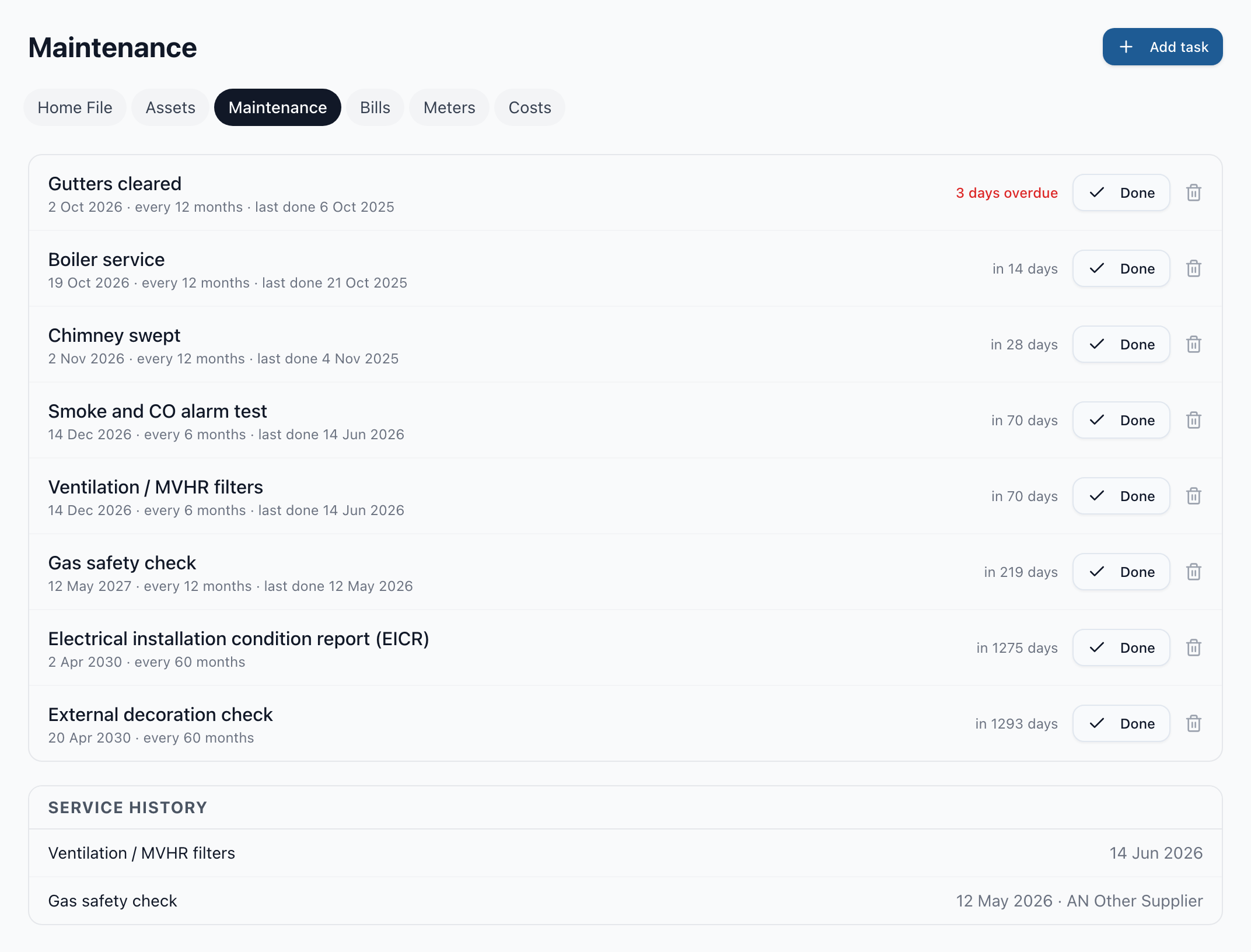
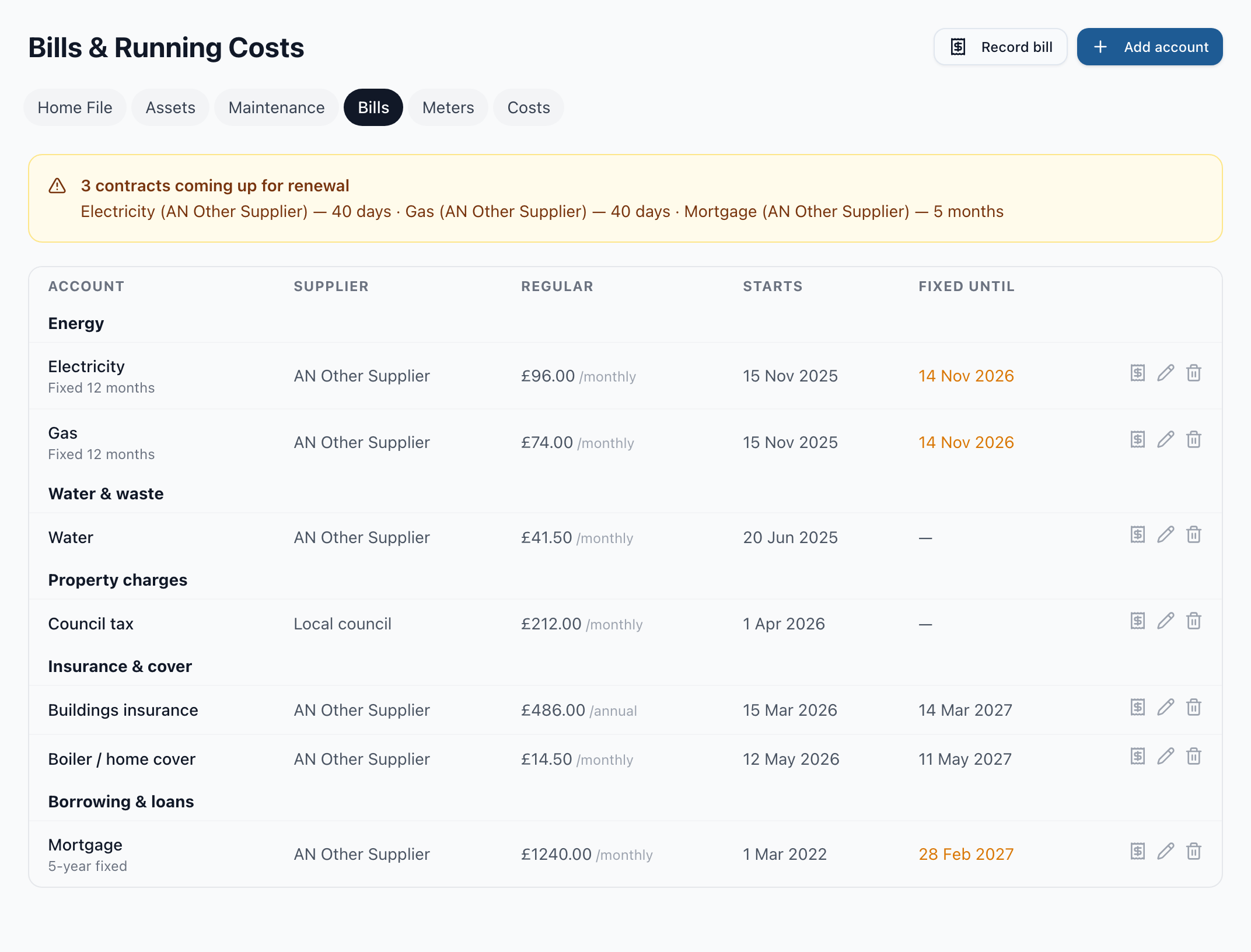
Refurbly Care is £7 a month for one home, billed separately. Up to three properties are £18 a month and up to ten are £45. Use it on its own or alongside Refurbly: cancelling one leaves the other running.
Want to see it on a whole project? The Westwood Journal follows this same refurbishment, episode by episode.
The Westwood Journal Start free trial